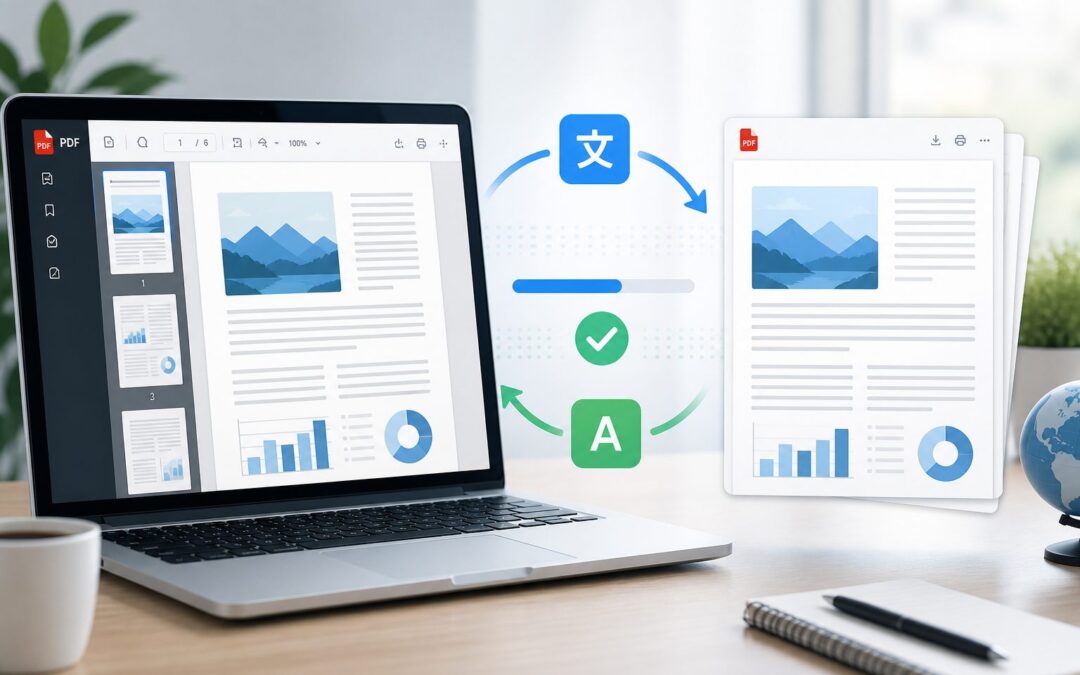
If you have ever asked, "is there a way to translate a pdf," the short answer is yes. Modern tools can translate PDF files in several ways, from quick browser-based services to professional translation workflows that preserve formatting and accuracy.
The best method depends on what is inside the document. A simple text-based PDF is usually easy to translate, while scanned pages, legal contracts, technical manuals, or design-heavy brochures need more care.
A PDF can contain selectable text, images, tables, charts, and embedded fonts. Because of that, translating it is not always the same as translating a plain text document.
This guide explains the practical options, common problems, and smart steps to help you translate a PDF without losing meaning, layout, or important details.
The first thing to check is whether the PDF text can be selected. If you can highlight and copy the words, most translation tools can read the document more easily.
If the PDF is scanned, the file is essentially an image. In that case, you may need optical character recognition, often called OCR, before the text can be translated.
Some tools translate the entire PDF while keeping a similar layout. Others extract the text first, translate it, and then require you to rebuild the formatting manually.
For casual use, online translators may be enough. For business, legal, medical, or technical documents, a human review is usually important because automated translation can miss nuance.
Security also matters. If the PDF contains private, financial, legal, or client information, avoid uploading it to an unknown free tool without checking its privacy policy.
How Can You Translate a PDF Accurately?
Use a PDF Translator Tool
Dedicated PDF translation tools let you upload a file, choose a target language, and receive a translated version. They are useful for fast results, especially when the PDF has clean selectable text and a simple layout.
Try Document Translation Software
Some word processors and office suites can open PDFs, convert them into editable documents, and translate the content. This approach works well when you want to make edits after translation.
Apply OCR for Scanned PDFs
Scanned PDFs need OCR before translation because the words are stored as images. OCR converts the visual text into machine-readable text, making it possible for translation software to process the document.
Copy Text Into a Translator
For short PDFs, copying the text into a translation tool can be the simplest option. This method is quick, but it usually does not preserve tables, spacing, images, or page structure.
Use Professional Translation Services
Professional translators are best for documents where accuracy matters more than speed. Contracts, immigration papers, academic records, medical forms, and brand materials often need human judgment.
Review the Final Formatting
Even when the translation is accurate, the layout may shift because translated text can be longer or shorter than the original. Always review page breaks, headings, tables, and captions before sharing the file.
Check Key Terms Manually
Names, product terms, industry vocabulary, and legal phrases should be checked carefully. Automated tools may translate them literally when they should remain unchanged or follow a specific glossary.
Best Ways to Handle PDF Translation
1. Start by identifying whether the PDF contains selectable text or scanned images.
2. Choose an online PDF translator for quick, low-risk documents that do not contain sensitive information.
3. Use OCR software before translation when the PDF is scanned or image-based.
4. Keep a copy of the original PDF so you can compare meaning, formatting, and missing content.
5. Ask a qualified translator to review important documents before you use them officially.
PDF Translation Mistakes to Avoid
- Ignoring privacy: Do not upload confidential PDFs to random tools without understanding how the file will be stored or used.
- Skipping OCR: A scanned PDF may translate poorly or not at all if the text has not been recognized first.
- Trusting raw output: Machine translation can be helpful, but it should be reviewed for tone, terminology, and context.
- Overlooking layout changes: Translated text often changes length, which can break tables, headings, and page alignment.
- Forgetting file quality: Low-resolution scans, blurry pages, and handwritten notes can reduce OCR and translation accuracy.
- Missing specialist terms: Technical, legal, medical, or academic language may require a glossary or expert review.
- Replacing the original: Always keep the source PDF so you can verify details if the translated version looks unclear.
Choosing the Right PDF Translation Method
For Personal Reading
If you only need to understand the general meaning of a PDF, a free online translator or browser-based tool may be enough. This is suitable for articles, instructions, travel documents, or general information.
For Work Documents
Business PDFs often need a balance of speed, accuracy, and formatting. A paid document translation platform can help maintain structure while giving you a cleaner file to review and share.
For Legal Files
Legal PDFs should be handled carefully because small wording changes can affect meaning. Use professional translation and, when needed, certified translation for official submission.
For Academic Papers
Academic PDFs may include citations, formulas, footnotes, and field-specific vocabulary. A combination of machine translation and expert review can make the content easier to read without distorting the research.
For Marketing Materials
Marketing PDFs need more than literal translation. Brochures, catalogs, and sales sheets should be adapted for tone, audience expectations, and brand voice in the target language.
For Technical Manuals
Technical manuals require consistent terminology and precise instructions. A glossary, translation memory, or specialized translator can help keep product names, warnings, and procedures accurate.
For Sensitive Information
When a PDF includes personal data, financial records, medical information, or client details, use secure software or a trusted professional service. Convenience should not come at the expense of confidentiality.
So, is there a way to translate a pdf? Yes, and there are several practical ways to do it depending on the file type, language pair, accuracy needs, and privacy level.
For simple documents, an online PDF translator may solve the problem quickly. For scanned files, OCR is usually the first step before any translation can happen.
For official, technical, or sensitive PDFs, the safest path is a professional workflow that includes translation, review, and formatting checks.
The right method should protect the meaning of the original document while making the translated version clear, readable, and ready to use.
FAQs About is there a way to translate a pdf
Can I translate a PDF for free?
Yes, many online tools can translate a PDF for free, especially if the file is small and contains selectable text. Free tools may have limits on file size, languages, formatting, or privacy protections.
Can Google Translate translate a PDF?
Google Translate can translate documents, including some PDFs, through its document upload feature. Results vary depending on the PDF quality, formatting, and whether the text is selectable.
How do I translate a scanned PDF?
To translate a scanned PDF, first use OCR software to convert the image-based text into editable text. After OCR, you can use a translation tool or send the file to a translator.
Will the translated PDF keep the same layout?
Some tools try to preserve the original layout, but formatting may still change. Translated text can expand or shrink, which may affect tables, headings, images, and page breaks.
Is it safe to upload a PDF to an online translator?
It depends on the tool and the document. Avoid uploading confidential, legal, financial, medical, or personal PDFs unless the service has clear security and privacy protections.
What is the best way to translate an official PDF?
The best way to translate an official PDF is to use a professional or certified translation service. This helps ensure accuracy, proper formatting, and acceptance by institutions when required.
Can I edit a PDF after translating it?
Yes, but you may need PDF editing software or a converted editable format such as Word. After editing, review the final file carefully to make sure the translation and layout are correct.